
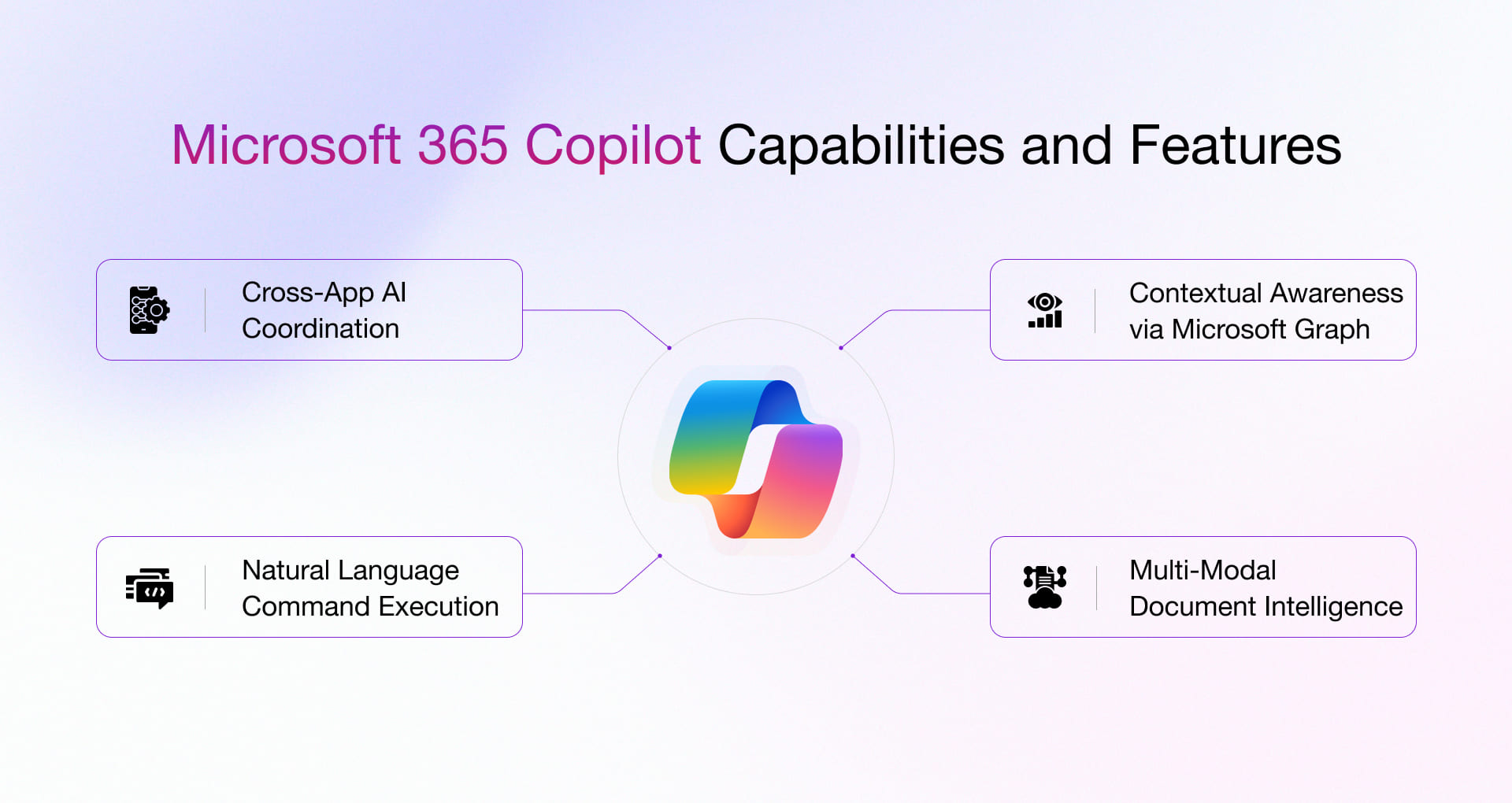
Microsoft Copilot is more than a simple smart assistant; it is a Large Language Model (LLM) integrated directly into your work environment via the Microsoft Graph. This deep dive breaks down exactly what Copilot can do inside the most used Microsoft 365 applications.
Copilot eliminates writer's block and handles heavy editing, allowing you to focus purely on the content's core message.
Core Functions:
- Contextual Drafting: Create a document based on existing files in SharePoint or OneDrive.
Example Prompt: Draft a 5-page marketing brief based on the Q4 sales report and our Q1 strategy meeting notes.
- Tone and Length Adjustment: Select text and modify its style without manually rewriting.
Example Prompt: Rewrite this section to sound more persuasive and cut the word count by 30%.
- Summarization and Key Takeaways: Instantly generate executive summaries for long documents.
Example Prompt: Summarize the introduction into three bullet points highlighting the main problem statement.
- Citations: Copilot can source and insert citations into the document based on the information it uses (though always double-check legal accuracy).
Copilot transforms complex data analysis into simple conversation, making advanced features like Pivot Tables and complex formulas accessible to everyone.
Core Functions:
- Formula Generation: Describe the calculation you need, and Copilot writes the formula instantly.
Example Prompt: Write an XLOOKUP formula to find the commission rate of employee 'Jain' based on their ID in column A.
- Pattern Identification: Ask Copilot to find anomalies or trends in large datasets.
Example Prompt: Identify all transactions where the profit margin dropped below 15% in Q2 and suggest a chart type to visualize this anomaly.
- Pivot Table Creation: Generate complex pivot tables and conditional formatting rules using plain English.
Example Prompt: Create a Pivot Table showing total sales by region and product category.
- Data Transformation: Automatically sort, filter, and restructure data based on your prompt.
Copilot keeps your inbox manageable and ensures you never miss a critical detail in a meeting.
Outlook Functions:
- Email Drafting: Generate a professional email reply based on context from multiple previous emails.
Example Prompt: Draft a reply confirming receipt, setting an internal follow-up meeting for next Tuesday, and keeping a polite but firm tone.
- Thread Summarization: Summarize lengthy email chains you weren't part of.
Example Prompt: Summarize the key arguments and list the final decision made in this 20-email thread.
Teams Functions:
- Real-Time Meeting Summary: If you join a meeting late, ask Copilot to summarize the discussion so far.
Example Prompt: What topics have we covered in the last five minutes, and what action items were agreed upon?
- Action Item Tracking: Post-meeting, Copilot generates a list of action items, deadlines, and the person responsible.
- Speaker Identification: Ask Copilot to identify which specific person made a particular statement during the meeting.
Turn raw ideas or text into polished presentations instantly.
Core Functions:
- Presentation from Document: Create an entire slide deck from a simple text file or Word document.
Example Prompt: Create a 12-slide presentation based on the main points of my 'Q2 Marketing Strategy' document.
- Slide Reformatting: Redesign slides instantly: “Change the layout of this slide to feature a three-column comparison chart.”
- Image Integration: Suggest and place high-quality, relevant stock images to illustrate content points.
1. Windows Copilot (Free)
The basic system-level Copilot is integrated into Windows 11 (Version 22H2 or later) and is available for free.
- To Update Windows 11: Check for the latest feature updates via Windows Update Settings.
2. Microsoft 365 Copilot (Paid Subscription Required)
The deep, app-integrated features in Word, Excel, Outlook, and PowerPoint require a specific, paid Copilot license on top of a standard Microsoft 365 subscription (usually Enterprise or specific Business plans).
- Availability/Pricing: For the latest pricing and licensing information, visit the official Microsoft 365 Copilot Product Page.
- General Microsoft 365 Access: To download the core Office apps, existing subscribers must sign in here: Microsoft 365 Apps Portal.






0 Comments