
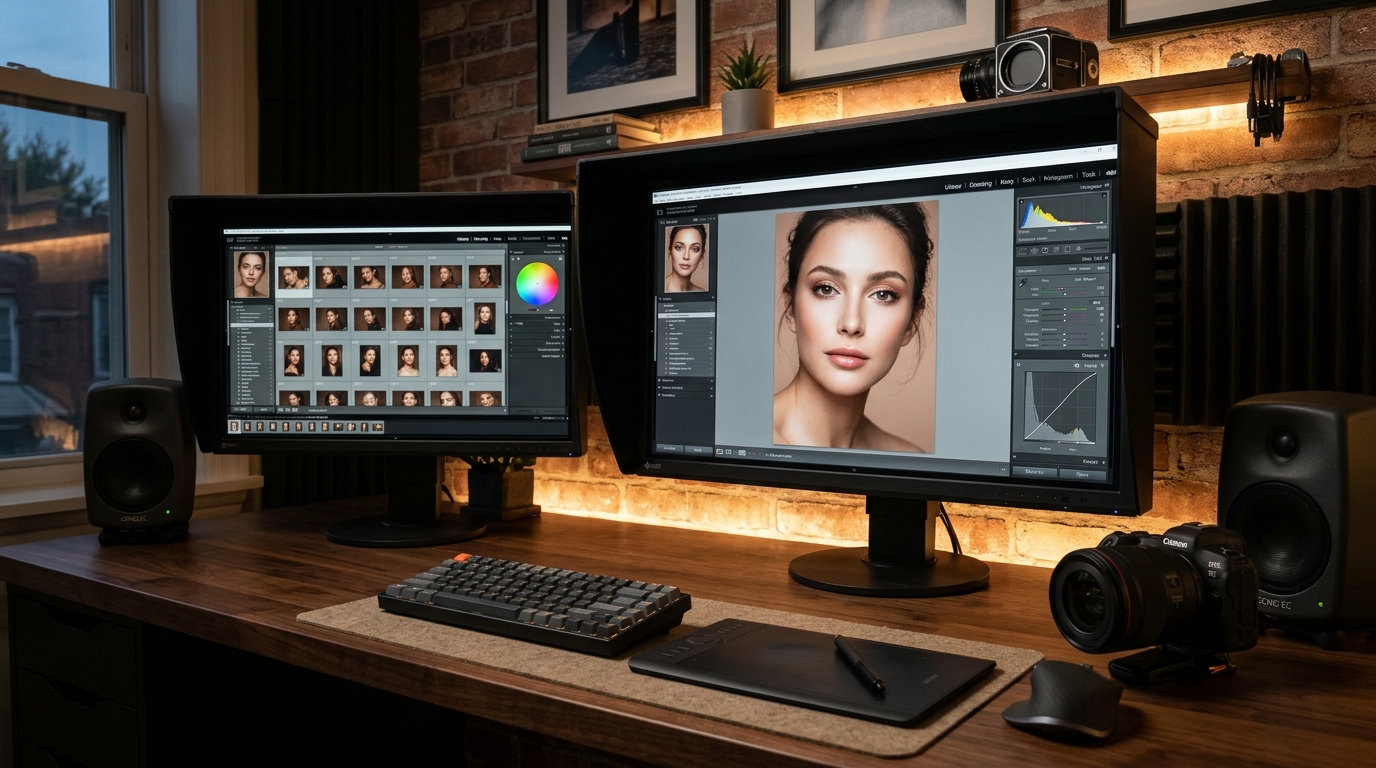
For wedding, portrait, and commercial photographers in 2026, software subscription fatigue is at an all-time high. Between creative cloud bundles, proprietary cataloging subscriptions, and cloud-based AI upscalers, the modern photographer easily spends between $600 to $1,200 annually just to keep their digital darkroom running. But behind the paywalls, a quiet revolution in open-source imaging, GPU acceleration, and open AI weights has fundamentally leveled the playing field.
Today’s free photography software tools are no longer bare-bones compromises; they are 32-bit floating point, color-managed production powerhouses capable of handling 60-megapixel uncompressed RAW files, advanced skin retouching, batch wedding exports, and local neural network upscaling without costing a single penny. Below is our definitive, field-tested guide to the Top 7 Free Photography & AI Retouching Software tools with their official verified download links and dedicated workflow walkthroughs.
1. Darktable: The Open-Source Lightroom Classic Titan
Best For: Non-destructive RAW development, tethered shooting, and batch wedding color grading.
Platforms: Windows, macOS, Linux (100% Free & Open Source).
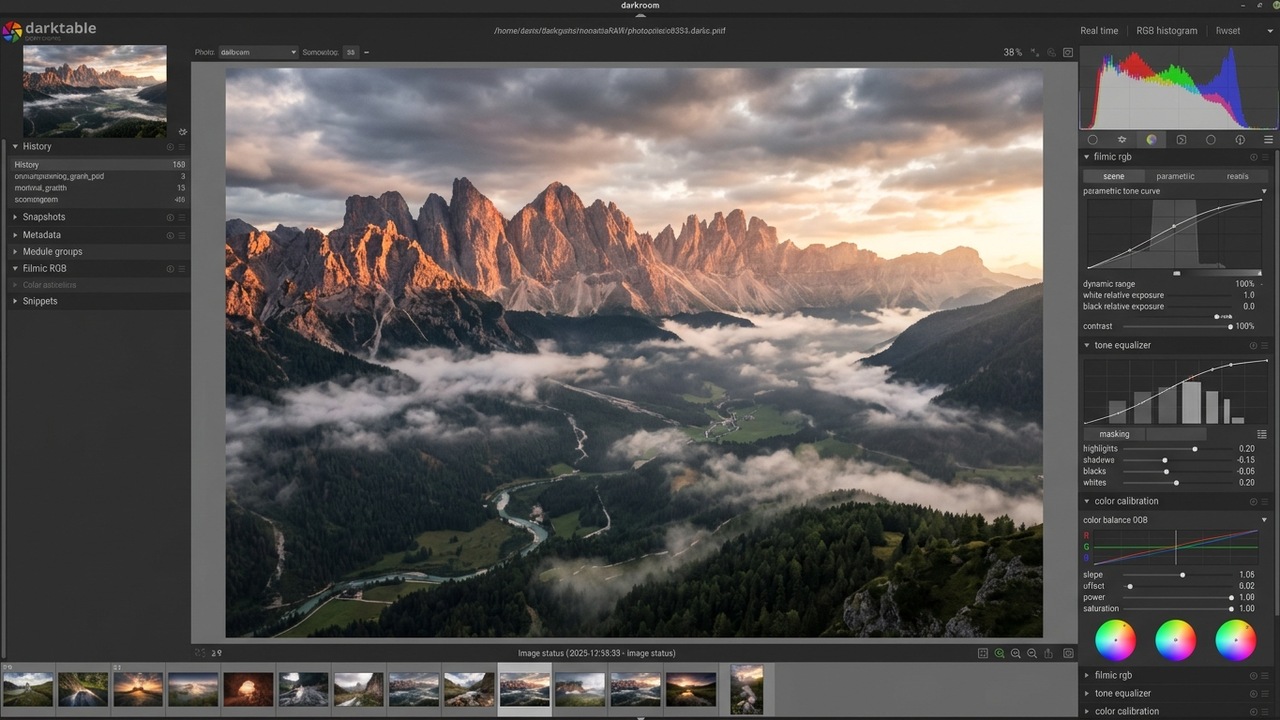
Darktable in darkroom mode: 32-bit floating point Filmic RGB curves, tone equalizer, and parametric mask controls.
If you are seeking a complete, non-destructive alternative to Adobe Lightroom Classic, Darktable stands unchallenged. Built around an uncompromising 32-bit floating-point buffer, Darktable does not truncate highlights or crush shadow data during multi-stage tonal adjustments. Its modern scene-referred workflow (anchored by the Filmic RGB and AgX color modules) preserves natural color fidelity and sensor dynamic range better than proprietary consumer engines.
- Parametric & Drawn Masking: Every single module in Darktable features precision brush, circular, and parametric luminance/chrominance masks. You can target skin tones or skies without touching third-party brushes.
- Studio Tethering Support: Connect your Sony, Canon, or Nikon camera via USB for real-time live preview and instant capture import directly into your Darktable lighttable.
- Zero Subscription Lock-in: Edits are saved to universal XMP sidecar files, ensuring your edits remain accessible across operating systems forever.
Official Download & Website: Download Darktable (Official Direct Link) →
2. RawTherapee: Surgical Sensor Demosaicing & Color Science
Best For: Landscape, architectural, and commercial studio shots demanding extreme sensor-level sharpness.
Platforms: Windows, macOS, Linux.
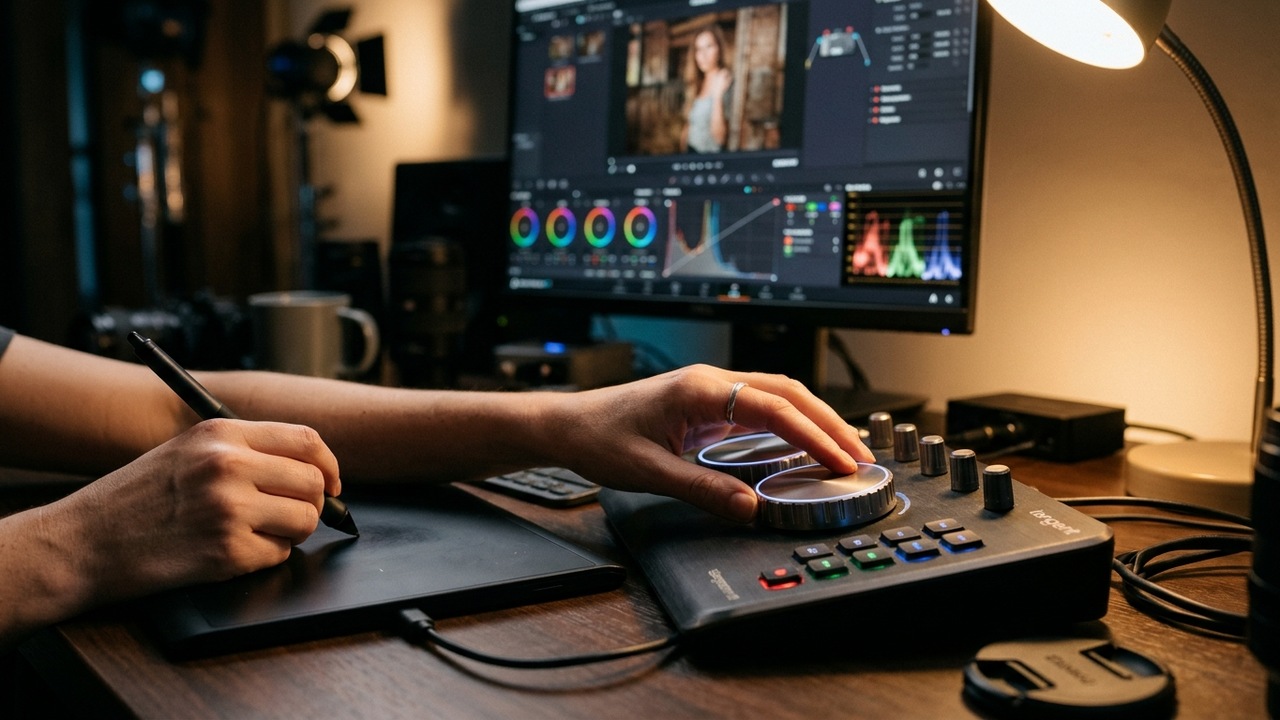
RawTherapee precision color grading console, dual-demosaicing controls, and wavelet texture decomposition.
While Darktable excels at complete wedding catalog management, RawTherapee is the ultimate surgical scalpel for individual RAW file development. It provides access to low-level sensor demosaicing algorithms that Adobe engines hide from users—including dual-demosaicing (AMaZE + VNG4) to eliminate moiré on wedding fabrics and suits.
- Wavelet Processing Engine: Breaks down images into distinct frequency layers, allowing photographers to smooth skin textures without blurring fine hair, eyelashes, or fabric details.
- CIE Color Appearance Model (CIECAM02): Simulates human visual perception to maintain consistent contrast and saturation across varied lighting conditions.
- Extreme Highlight Recovery: Proprietary inpainting algorithms reconstruct blown-out wedding dress highlights and sky details with remarkable realism.
Official Download & Website: Download RawTherapee (Official Direct Link) →
3. Photopea: The Instant In-Browser Photoshop Alternative
Best For: Quick high-end retouching, frequency separation, composite work, and client PSD file delivery.
Platforms: Web Browser (Chrome, Firefox, Safari, Edge) & Desktop PWA.
Photopea web workspace: Complete PSD support, adjustment layers, curves, and high-end frequency separation.
For photographers who need to open layered PSD files on a client laptop, hotel computer, or field tablet without installing a 4GB software package, Photopea is nothing short of miraculous. Created by Ivan Kutskir, it reproduces approximately 95% of Adobe Photoshop’s interface, keyboard shortcuts, and core functionality inside your web browser.
- Full Layer & Smart Object Support: Run complex layer blend modes, clipping masks, adjustment layers (Curves, Levels, Selective Color), and Smart Filters seamlessly.
- 100% Client Privacy: All image processing occurs locally within your browser’s WebAssembly memory buffer—your client’s private wedding photos are never uploaded to remote servers.
- Universal File Compatibility: Native read and write support for PSD, PSB, AI, XD, Sketch, RAW, and WebP formats.
Official Download & Website: Download Photopea (Web App) (Official Direct Link) →
4. Upscayl: Free, Local AI Image Super-Resolution
Best For: Upscaling cropped portrait shots to 4K/8K, preparing large wedding canvas prints, and restoring legacy photos.
Platforms: Windows, macOS, Linux (Open Source).
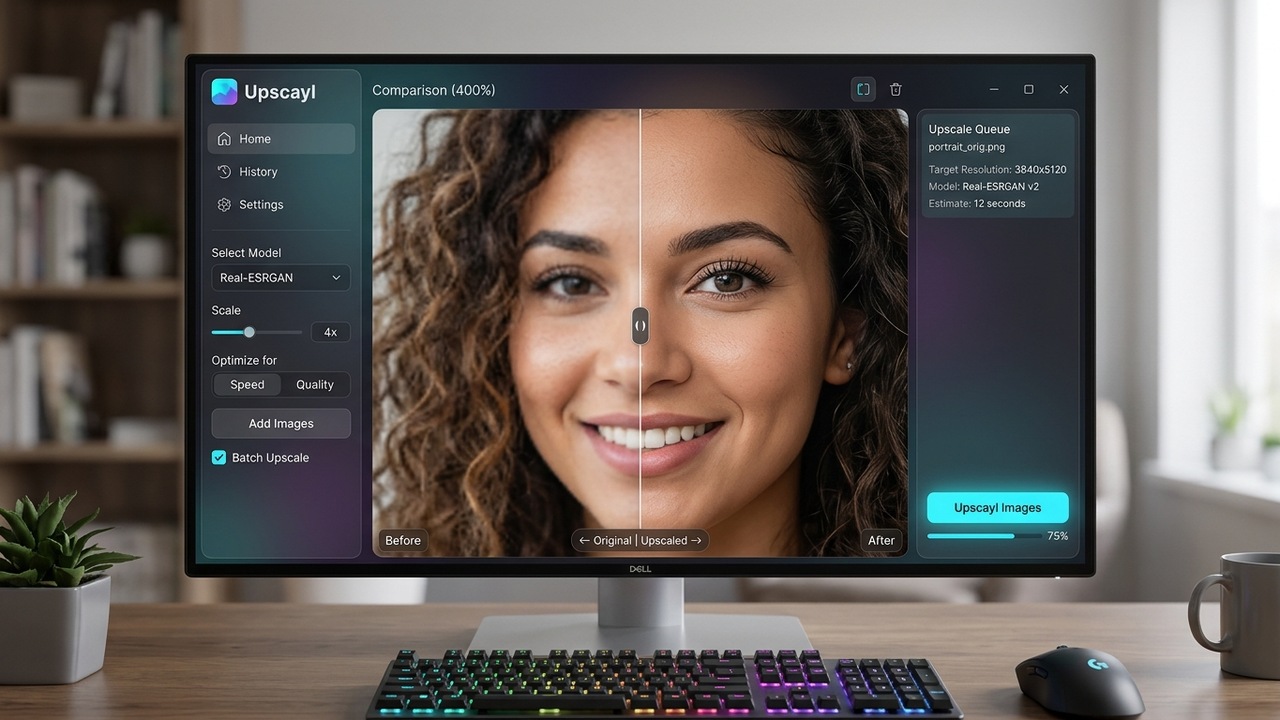
Upscayl AI desktop app: Local GPU neural upscaling with split before-and-after comparison slider.
Commercial AI upscalers charge hefty monthly subscription fees or credit tokens per image. Upscayl provides state-of-the-art neural upscaling completely free, open-source, and offline. Utilizing Vulkan-powered GPU acceleration and advanced Real-ESRGAN deep learning models, Upscayl enhances low-resolution or heavily cropped portrait shots up to 800% without introducing plastic artifacts.
- Offline & Unlimited: Upscale thousands of wedding gallery photos without internet connections, monthly token limits, or server wait queues.
- Multiple AI Models: Switch between General Photo, Digital Art, Sharpen, and Remacri models depending on whether you are enhancing bridal skin or architectural backdrops.
- Batch Folder Upscaling: Drop an entire client folder of cropped selects and let your GPU process the whole set in the background.
Official Download & Website: Download Upscayl AI (Official Direct Link) →
5. GIMP 3.0: The Reimagined Open-Source Graphic Powerhouse
Best For: Complex photo manipulation, blemish removal, graphic album design, and print prep.
Platforms: Windows, macOS, Linux.
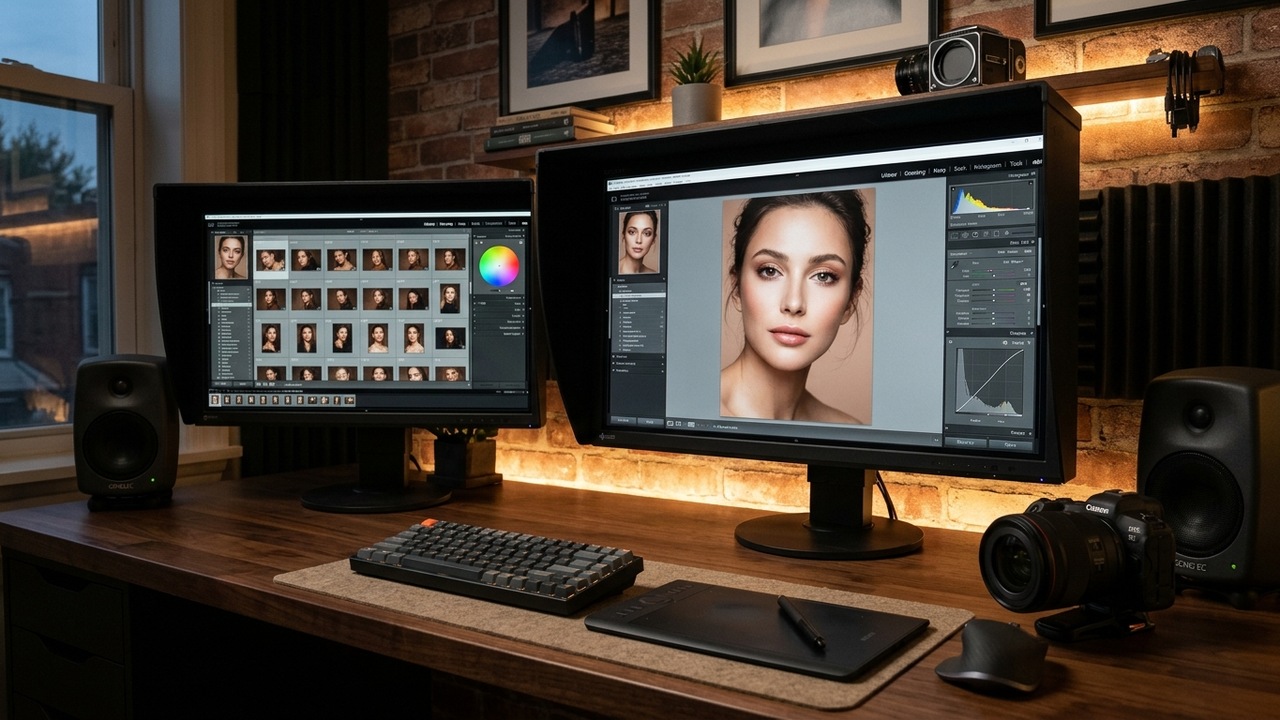
GIMP 3.0 modern GTK3 UI: Non-destructive layer effects, precision blemish retouching, and true CMYK print workflow.
With the release of GIMP 3.0, the legendary GNU Image Manipulation Program has undergone its most significant architectural leap in two decades. Migrated to modern GTK3 with complete color management and non-destructive layer effects, GIMP 3.0 eliminates the historical pain points that kept professional retouchers on proprietary suites.
- Non-Destructive Editing: Apply filters, blur effects, and tonal corrections that remain live and re-editable at any point in your workflow.
- True CMYK Print Pipeline: Prepare wedding albums, studio prints, and promotional brochures with native CMYK color space verification.
- Extensive Plugin Ecosystem: Expand your retouching arsenal with Python 3 scripting and hundreds of open-source community filters.
Official Download & Website: Download GIMP 3.0 (Official Direct Link) →
6. DaVinci Resolve (Free Version): Hollywood-Grade Color Grading for Wedding Cinematographers
Best For: Cinematic wedding video highlights, color grading, 3D LUT generation, and 4K video exports.
Platforms: Windows, macOS, Linux.
DaVinci Resolve color grading console: Industry-standard node trees, primary color wheels, and RGB parade scopes.
Blackmagic Design’s free version of DaVinci Resolve remains one of the most generous software offerings in creative industry history. For wedding photographers who also shoot 4K video reels and highlight films, Resolve provides the exact same node-based color correction engine used on major Hollywood feature films.
- Node-Based Color Architecture: Build sophisticated color grades with primary wheels, log grading, custom curves, and qualifier skin tone isolations.
- Custom 3D LUT Export: Grade a look in Resolve, export it as a
.CUBE3D LUT, and apply it directly to your still photos in Darktable or RawTherapee for seamless photo/video aesthetic matching. - Fairlight Audio Suite: Clean up ceremony audio, eliminate microphone wind noise, and balance vows with broadcast-quality audio tools included for free.
Official Download & Website: Download DaVinci Resolve (Official Direct Link) →
7. DigiKam: Professional Photo Asset Management & AI Culling
Best For: Organizing 100,000+ photo archives, facial recognition sorting, and automated batch metadata tagging.
Platforms: Windows, macOS, Linux (Open Source).
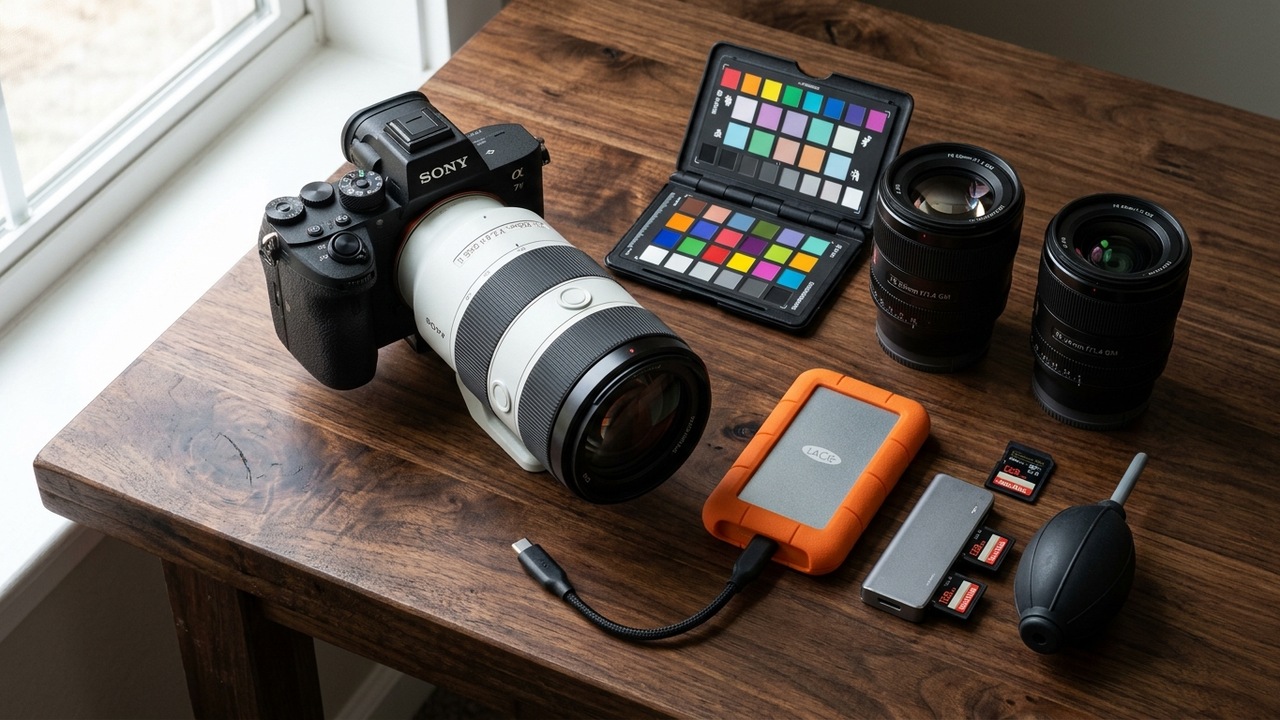
DigiKam digital asset management: Multi-camera wedding shoot ingest, facial recognition tagging, and batch metadata.
A wedding shoot can easily generate 3,000 to 6,000 RAW exposures across multiple camera bodies. DigiKam is an enterprise-grade digital asset management (DAM) system engineered specifically to handle immense photography libraries with lightning-fast SQLite or MySQL backends.
- Offline Deep Learning Facial Recognition: Train DigiKam on the bride, groom, and key bridal party members, and let the software automatically tag every photo where they appear across multiple cameras.
- Similarity Search & Duplicate Detection: Automatically identify burst shots and near-duplicates to cut your client culling time in half.
- Comprehensive EXIF/IPTC/XMP Editor: Apply copyright metadata, client usage licenses, and geolocation coordinates to thousands of images in a single batch operation.
Official Download & Website: Download DigiKam (Official Direct Link) →
Software Comparison: Find Your Perfect Creative Toolkit
| Software | Primary Role | Key Strength | License |
|---|---|---|---|
| Darktable | RAW Development & Cataloging | 32-bit floating point, parametric masks, tethering | 100% Free / Open Source |
| RawTherapee | Surgical RAW Processing | Dual demosaicing, wavelets, moiré suppression | 100% Free / Open Source |
| Photopea | In-Browser Photoshop Alternative | Full PSD support, zero install, local privacy | Free Web App |
| Upscayl | AI Image Super-Resolution | Offline local GPU upscaling, Real-ESRGAN | 100% Free / Open Source |
| GIMP 3.0 | Pixel Manipulation & Print | Non-destructive effects, true CMYK workflow | 100% Free / Open Source |
| DaVinci Resolve | Cinematography & 3D LUTs | Industry-standard node color grading, LUT creation | Free Studio Grade |
| DigiKam | DAM & AI Photo Culling | Deep learning facial recognition, duplicate filter | 100% Free / Open Source |
The Zero-Cost Professional Photography Pipeline
You do not need to choose just one tool. The most efficient visual creators chain these free applications together into a seamless production pipeline:
- Ingest & Culling: Ingest card dumps into DigiKam. Use AI facial recognition and similarity detection to cull a 4,000-shot wedding down to 500 keeper selects in record time.
- RAW Development: Open your selects in Darktable. Apply your core exposure, AgX color balance, and lens distortion profiles across the batch.
- Detailed Retouching: For signature bride and groom portraits, send the 16-bit TIFF into Photopea or GIMP 3.0 for frequency separation skin smoothing and stray hair removal.
- AI Upscaling for Large Prints: If the couple orders a 30x40 inch canvas from a cropped vertical shot, run the final edit through Upscayl using your local GPU for tack-sharp detail.
Frequently Asked Questions (FAQ)
Q: Can free software genuinely handle 50MP+ uncompressed RAW files from modern Sony, Canon, and Nikon cameras?
A: Yes. Both Darktable and RawTherapee utilize LibRaw and OpenCL GPU acceleration, enabling them to decode Sony ARW, Canon CR3, and Nikon NEF files seamlessly with full camera color profile support.
Q: Are there any hidden watermarks, export limits, or commercial restrictions?
A: None. Darktable, RawTherapee, GIMP, DigiKam, and Upscayl are licensed under GNU General Public Licenses (GPL). You own 100% of your exported work and can use them for unlimited paid client contracts.
Q: Do I need an internet connection to use Upscayl's AI upscaler?
A: No. Upscayl operates entirely locally on your computer’s GPU. Once downloaded, it works 100% offline, keeping sensitive client wedding photos completely private and secure on your local hard drive.
To leave a comment, click the button below to sign in with Blogger.